What You'll Learn
AI planning, builders, copy/images, coding assistants, and launch basics.
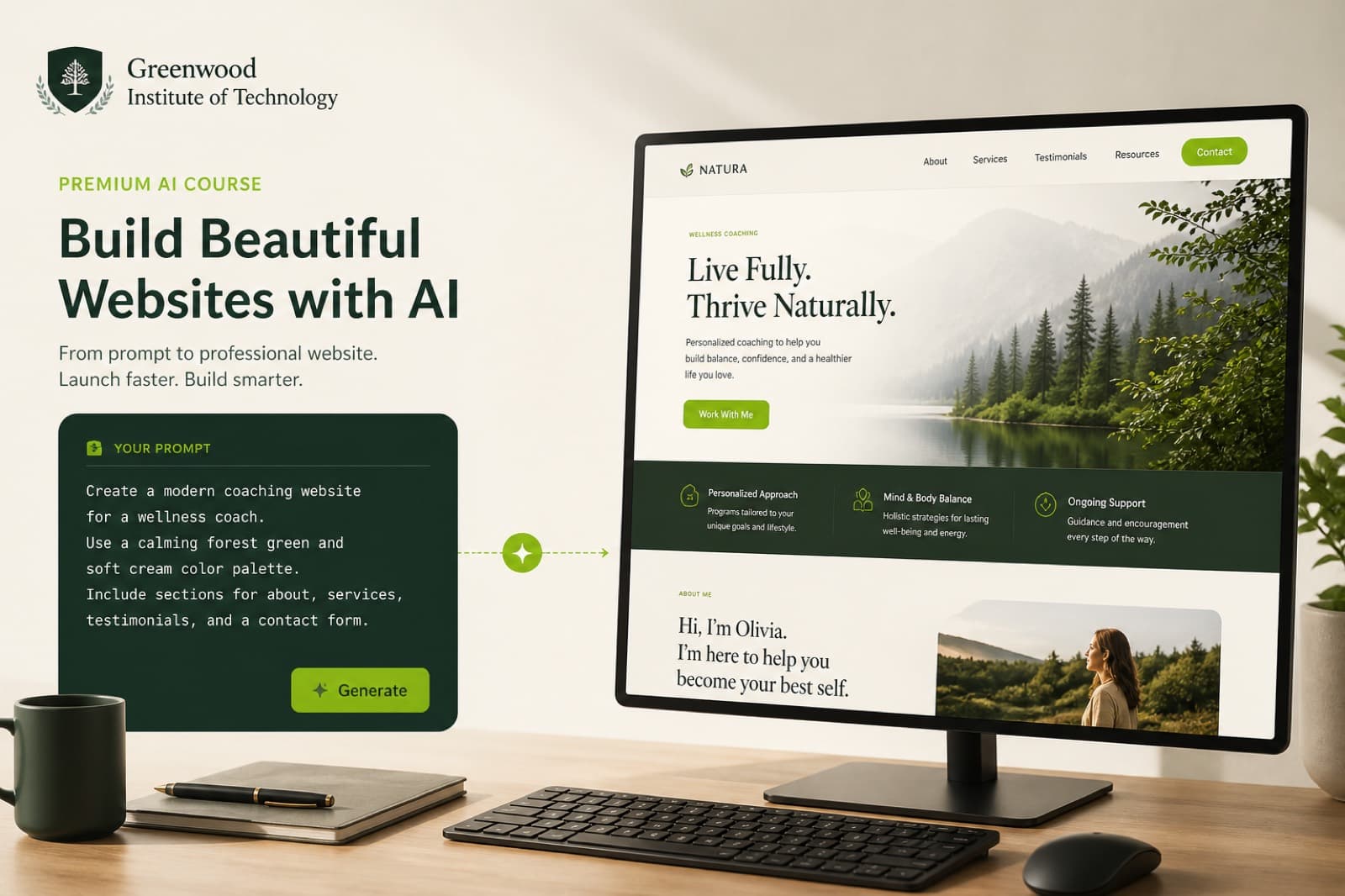
Build complete websites faster with AI — without shipping broken work.
Learn AI-assisted planning, generation, refinement, and launch workflows. Every student finishes by shipping a complete functional website with human quality control .

Instructor
Usman Raza
About this course
AI planning, builders, copy/images, coding assistants, and launch basics.
Learners who want to ship websites faster with quality control.
Generate, refine, and launch a complete functional website.
Skills you'll build
Sitemaps and structure from briefs.
Generate then refine layouts.
Produce assets with human edits.
HTML/CSS/JS troubleshooting help.
Ship mobile-friendly sections.
Add conversion-focused interactions.
Domain, hosting, deployment concepts.
Fix AI limitations before shipping.
Curriculum
Full module depth stays available. Only one period opens by default so the page stays scannable.
Start with structure so generation has a clear brief.
Practical: Classroom practice task

Practical work
Students practice real workflows in class — then package work into portfolio deliverables.
Your course project
Final project
Each student must build a complete functional website using AI-assisted tools: clear structure, key pages or landing system, responsive layout, forms/CTAs, basic SEO, and a short handover note.
Tools you'll work with
Tools may evolve as industry platforms change. We teach workflows and tool-selection — subscriptions are not promised unless stated.
Where this skill can take you
No salary or job guarantees — skill pathways only.
01
Learn
Live classes
02
Practice
Hands-on labs
03
Build
Real projects
04
Portfolio
Show your work
At DMRUSH, courses are designed around practical learning and project-based skill development.
AI accelerates drafts, but you still plan, edit, test, and fix. Shipping quality websites requires human judgment — and we teach that explicitly.
E-commerce
Build a complete Shopify store — from niche and products to conversion, SEO, and growth basics.
View Course →
AI
A flagship practical AI course — prompts, workflows, and quality control for real digital work.
View Course →
SEO
Master organic search with technical SEO, content systems, authority, and AI-assisted workflows.
View Course →
Join practical, project-based training at DMRUSH Pattoki.